Starter week measures
Photos and logs for week one.
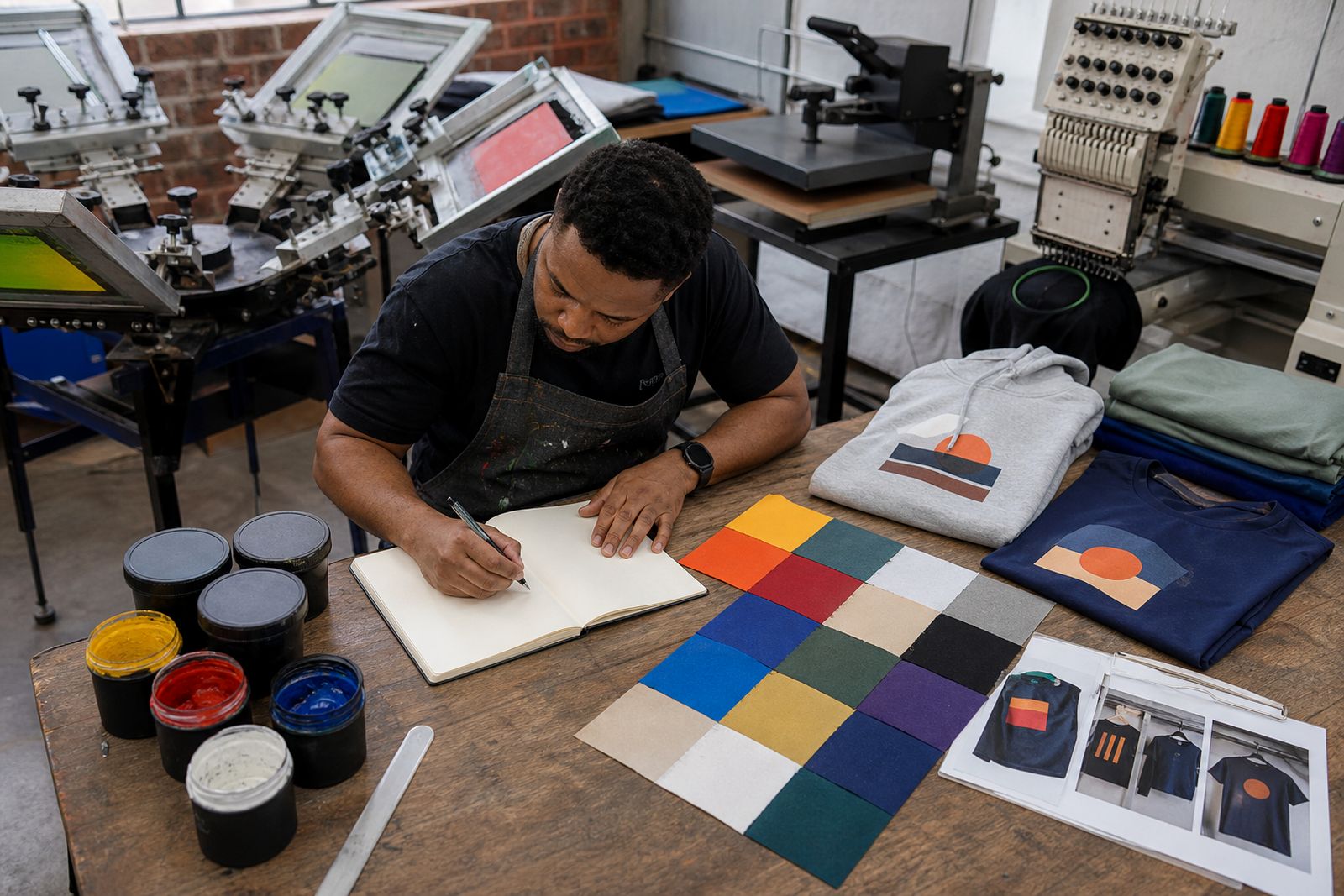
Week one photo checks
Photos and logs for week one. Print it, pin it, photograph it. Resources are short on purpose so they survive a loud shift. A word or PDF version for your QMS folder is available on request through our contact form.
Starter week measures gives a print or embroidery team one place to record the first acceptable result of a new run. Use it for dated photos, basic settings, and a few written checks such as ink laydown, film registration, thread match, or wash outcome. The sheet is meant to sit near the press, exposure unit, or embroidery machine where the operator can compare today’s sample to day-one output.
On a busy Monday shift, a clipped page with two photos is more useful than a thick file kept in the office. Add the same colour names and thread references used in your swatch notes so handovers stay clear between prep, print, and finishing. If the studio works through power cuts slots, note the time block as well, because exposure and drying can look different across the day.
Day one record checklist
Write down the job type, substrate, mesh or film used, ink set, and the machine setting that produced the first pass you would keep. Include one close photo of the approved print or stitch-out and one wider photo that shows placement on the garment or panel. For repeat work, the useful details are often simple ones such as flash time, squeegee pressure, hoop size, needle, backing, or the thread palette reference.
- Date, operator, and shift window
- First approved sample photo
- Film, mesh, or hoop details
If your QMS needs a controlled document number, say so in the subject. We can leave a blank field on the card.
Common gaps in starter logs
Most week-one sheets become useless when the photo is too dark, the colour name is shortened beyond recognition, or the substrate is missing. Another common problem is mixing several garment colours on one page, which makes later comparisons messy. Keep one sheet per setup and replace the image if the studio changes ink batch, film type, stabiliser, or thread code.
Use Colours when the note needs a precise pack reference, and check Studios for terms that suit a screen print or embroidery room. If you need a word or PDF version, send it through our contact form with the resource name starter week measures and the format your QMS file expects.
What our Print and Embroidery Supplies customers say
Verified Google reviews




Tell us about your print room
Send a note through our contact form with the garments and fabrics you decorate, the print or embroidery method, the colours you need matched, how much you run in a month and your area, and we will come back with practical supply options and a quote.
Open the contact form